The three big everyday helpers: ChatGPT, Gemini, and Claude
You open ChatGPT, Gemini, or Claude and somehow everything feels the same. Just a chatbot.
But the truth is: each of these tools has a hidden superpower that makes it better than all the others, in exactly one thing.
Anyone who does not know this wastes time, nerves, and ultimately money too. In this article you will find out which AI tool truly shines when, so you never again choose the wrong tool for the job.
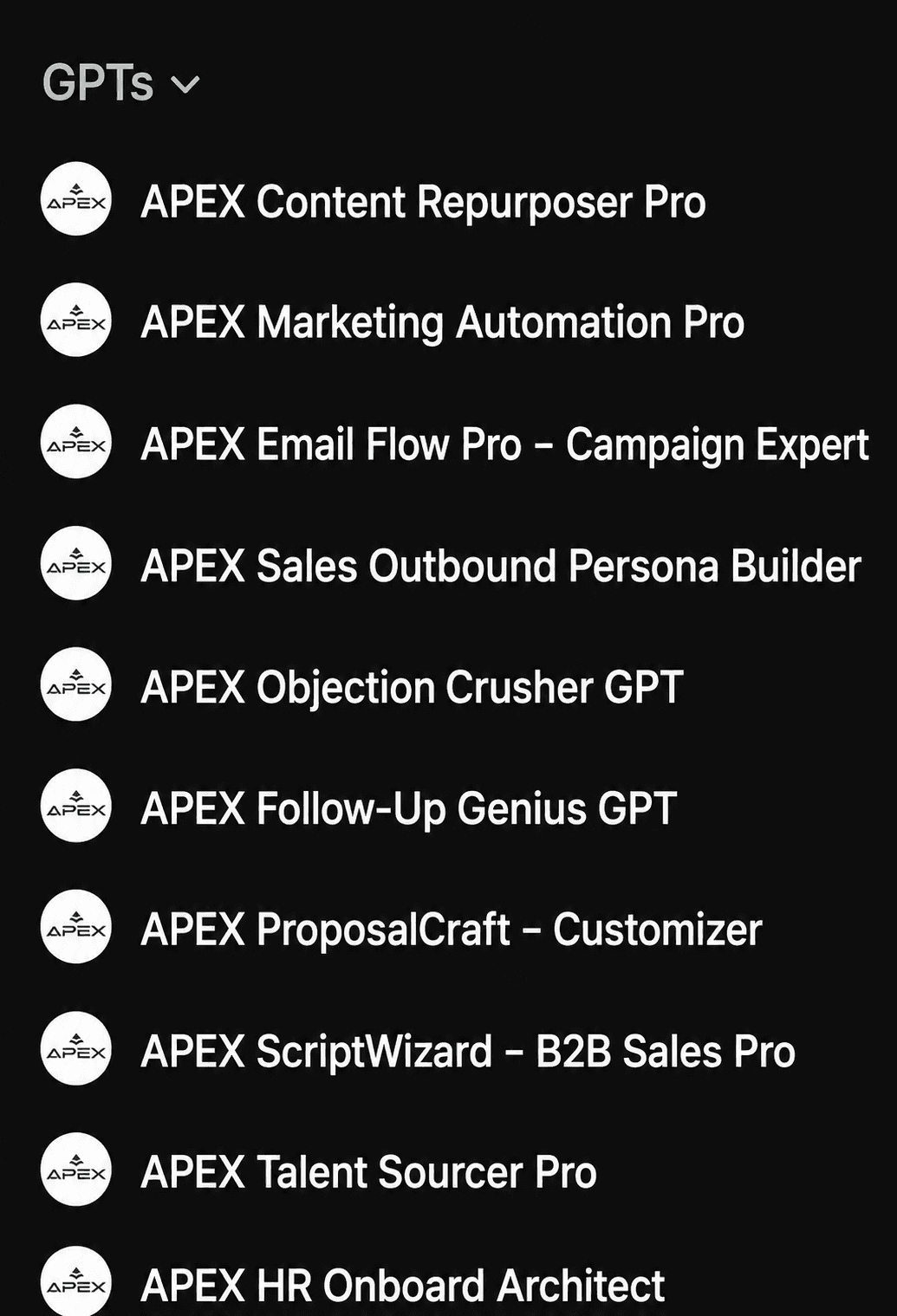
A selection of my Custom GPTs: specialized AI tools for content repurposing, marketing automation, email campaigns, sales outbound, objection handling, follow-ups, proposal creation, B2B scripts, talent sourcing, and HR onboarding.
The three big everyday helpers: ChatGPT, Gemini, and Claude
At first glance, the three major chatbots seem interchangeable. But anyone who looks more closely discovers clear differences, and those can make the difference between "works reasonably well" and "runs perfectly."
ChatGPT: the obedient perfectionist
ChatGPT is not necessarily the smartest chatbot, but it is the most obedient. What does that mean? Simply this: when you have a complex checklist with a dozen instructions, ChatGPT works through every single one. Other models? They sometimes decide for themselves what is important and simply leave the rest out.
A practical example: create an employee handbook with twelve requirements using both ChatGPT and Gemini. ChatGPT delivers all twelve points. Gemini? Looks good at first glance, but when you check carefully, a few rules are suddenly missing. Or another example: if you explicitly ask Gemini to search the web, it sometimes simply ignores that. ChatGPT? Carries out the search every time.
Rule of thumb: when your task has many moving parts and a single mistake ruins everything, start with ChatGPT.
Gemini: the multimedia master
While ChatGPT relies on obedience, Gemini scores with multimodality. That sounds cumbersome, but it means: Gemini can process enormous amounts of mixed media, videos, audio, images, and text, and does so natively, without detours.
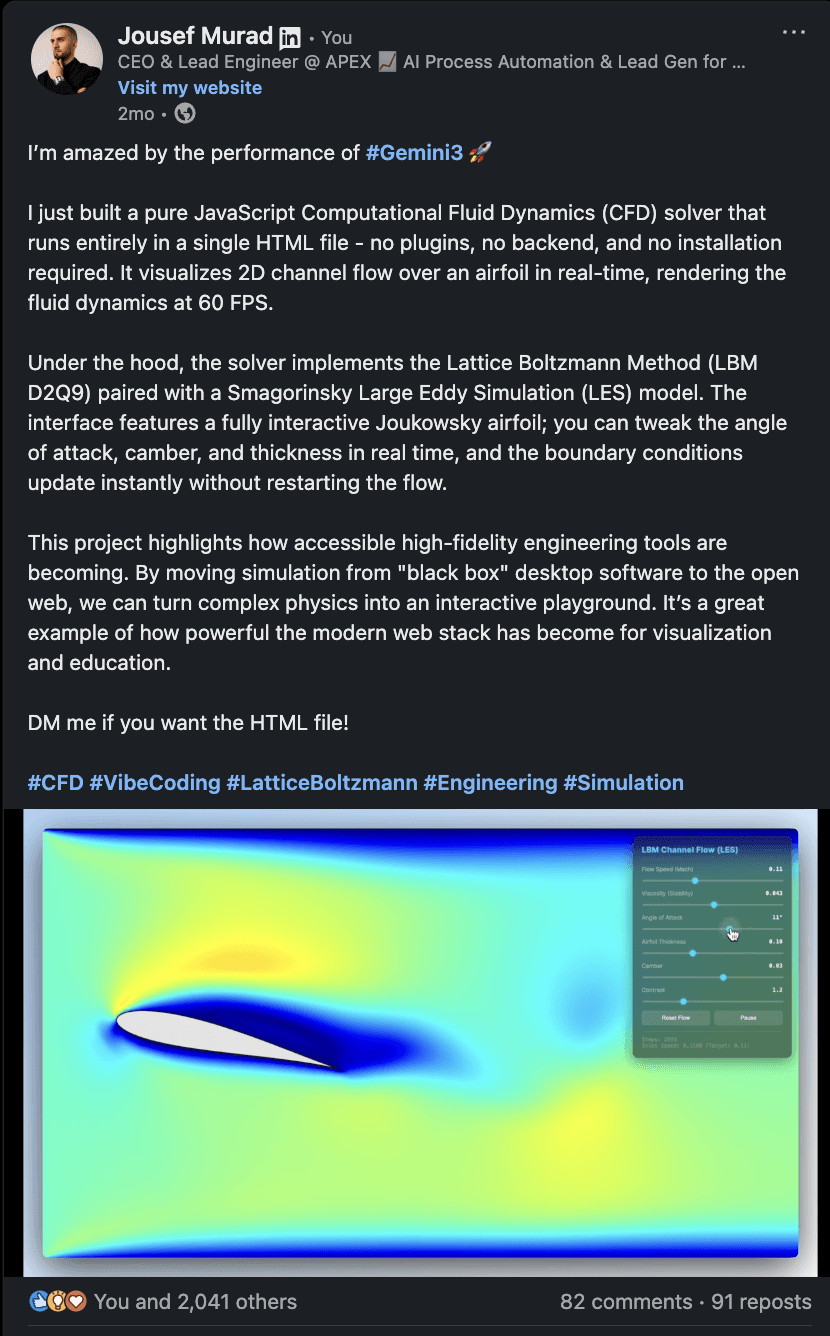
I developed a small simulation program for engineers with Gemini that makes airflows visible directly in the browser. No installation, no plugins, no server. Simply open an HTML file and get started. You can watch live how air flows around an aircraft profile and use sliders to change the angle of attack, shape, or thickness. The flow adjusts instantly. In short: complex physics becomes something you can see, touch, and understand. All of that cost me less than 10 minutes.
Imagine you have just finished a weekly meeting. You have a video recording, a 20-slide presentation, and a photo of a chaotic whiteboard. Upload everything to Gemini and ask it to summarize the key decisions and draft a follow-up email. Gemini is the only tool that can process all three formats simultaneously.
Another example: you record your screen while completing a task, completely unstructured, with mistakes and detours. Gemini converts the video into a clean, finished standard operating procedure. No other tool does this as elegantly.
The catch? Gemini is sometimes a notch weaker in logical reasoning than ChatGPT. But when your task involves video, audio, or large files, the trade-off is well worth it.
Rule of thumb: when you are working with large media files or need to process multiple formats simultaneously, use Gemini.
Claude: the quality writer
Claude has its own distinct strength: it delivers better first drafts than the competition. This shows up particularly in two areas.
First: code. Even the latest version of Gemini beats Claude on almost all benchmarks, except programming. Developers agree: Claude writes reliable code on the first attempt. One example: someone wanted to export conversations from a platform, but support said only developers could do that. Claude not only provided a step-by-step guide, but also wrote a script in the programming language of choice, and it worked immediately. Without any coding knowledge.
Second: text. Claude produces text that sounds human and needs less revision. It is particularly strong at style matching: show Claude examples of your previous work and it replicates your tone almost perfectly. Whether for company presentations, performance reviews, or YouTube scripts, Claude hits the right tone.
Rule of thumb: when you need code or text that is immediately ready to use, go with Claude.
How the three work together
You do not have to choose just one. I already use all three tools in combination: ideation, research, and rough structure. Claude then comes in at the final stage and polishes the result to a high shine.
Do you need all three? No. Most people get along perfectly well with the paid version of ChatGPT. But if you can afford multiple subscriptions and your work benefits from each superpower, the combination is worth it.
The specialists: Perplexity and NotebookLM
Alongside the big all-rounders, there are AI tools optimized for very specific tasks. Two stand out in particular.
Perplexity: the lightning researcher
Perplexity is not a foundational model like GPT or Gemini. It uses existing models and optimizes them for speed and accuracy, specifically for search.
The difference? ChatGPT and similar tools are built for thinking: you use them for brainstorming, weighing options, and drafting. Perplexity is built for finding: you need a specific piece of information, and you need it right now.
An example: you are planning a trip. ChatGPT helps you weigh routes and create a narrative. But if you want to know whether a specific restaurant is welcoming even if you do not speak Greek, Perplexity delivers the answer in seconds.
Pro tip: you can use Google search operators like site:reddit.com to restrict results to specific sources.
Rule of thumb: use Perplexity as a replacement for Google's AI mode, not as a replacement for chatbots.
NotebookLM: the fact guardian
NotebookLM has a very particular characteristic: it only responds based on the sources you upload. It invents nothing extra, because it cannot tap into external knowledge. Think of a walled garden: what is inside gets used. What is outside does not exist.
That is ideal when accuracy matters more than creativity. A real-world example: before publishing marketing materials, the final draft was uploaded to NotebookLM together with the source documents. The AI checked whether the draft contained statements that contradicted the sources and found tiny discrepancies that other tools would have missed.
Today the same approach works for YouTube videos: script and research material are uploaded, and NotebookLM flags everything that is not directly supported by sources.
Note: the result is only as good as your sources. If those are wrong, NotebookLM will be confidently wrong.
Rule of thumb: when accuracy counts and you have source material, use NotebookLM.
The right tool at the right time
AI tools are not all-rounders, which unfortunately very few people understand. They are specialists. ChatGPT for complex checklists. Gemini for multimedia chaos. Claude for top-quality drafts. Perplexity for quick facts. NotebookLM for source-based precision.
The most important insight? Never use a tool just because it is new or trendy. Ask yourself instead: what problem do I have right now, and which tool solves it best?
Try this yourself today: take a task you normally handle with ChatGPT and test whether another tool solves it better. You will be surprised at how much time and frustration you save when you choose the right tool.
About APEX Consulting
APEX Consulting is an AI automation and growth consulting firm supporting B2B organizations with intelligent workflows, AI agents, CRM automation, and scalable operating systems. The firm focuses on practical, implementation-driven solutions that reduce manual effort and enable sustainable growth.
More information: https://apex-consulting.ai/